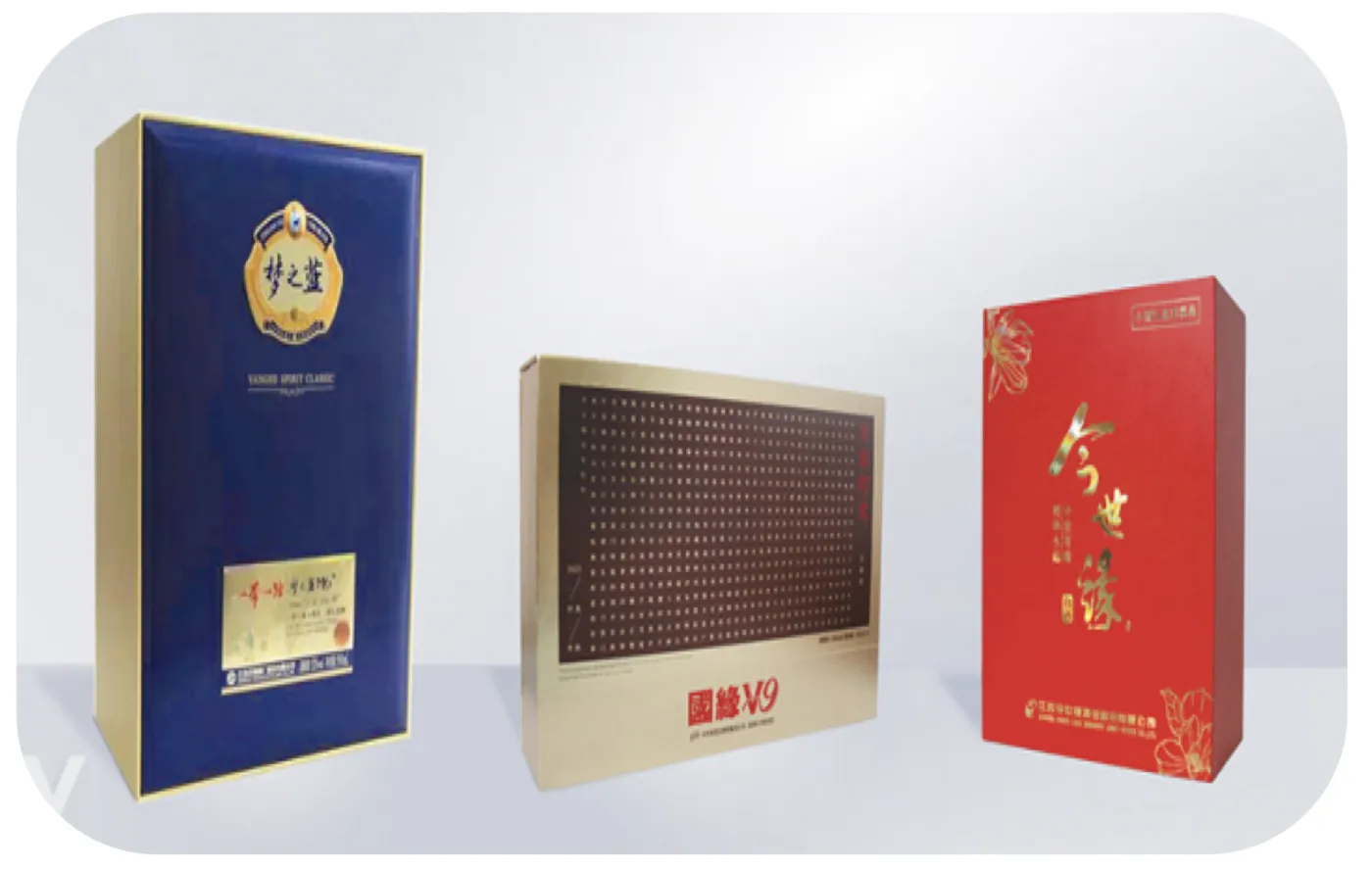
More buyers now come to us with a picture from an AI image generator instead of a print file: a lid, a label or a whole box that already looks finished. So can you use an AI image on packaging? Yes, but not as the print file. Before it can be printed, the design has to be rebuilt on the factory's dieline, with a vector logo and type, print colours, finishes on their own layers, and text that people have written and checked.
This guide is for brand, procurement and marketing teams with an AI concept who want boxes, cartons or labels made from it. If our team sent you this link, skip to What to Send Us for the short version.
TL;DR
- An AI image is a picture, not a print file: usually too small for the print size, in RGB screen colour, and one flat layer with no dieline, bleed or finish layers.
- A 1,024-pixel-wide image prints about 8.7 cm wide at 300 DPI. A 30 × 20 cm lid needs about 3,543 × 2,362 pixels.
- Text, barcodes and legal copy must be retyped from approved sources and checked by people.
- The US Copyright Office's position is that material generated purely from prompts is not copyrightable, so check your AI tool's terms and do not assume exclusive rights (general information, not legal advice).
- Freeze one master image before artwork starts: every new AI image means new artwork, a new dieline fit check and a new proof.
Table of Contents
- Why an AI Picture Is Not a Print File
- Who Owns an AI-Generated Packaging Image?
- The "New AI Image Every Round" Problem
- From AI Concept to Print-Ready File
- Our Perspective: Treat the AI Image as a Brief, Not a File
- How to Start With Us
- What to Send Us
- FAQ
- Sources
Why an AI Picture Is Not a Print File
An image generator makes a picture for a screen. A packaging printer needs a file built for one structure, one material and one press. A prepress director writing in Printing Impressions notes that AI-generated assets commonly arrive as RGB raster images and may take no account of the dieline, bleed or finishing the job needs. Four gaps come up again and again.
Pixel Size: The Arithmetic
Our artwork preparation guide asks for photographic images of at least 300 DPI at print size. An inch is 2.54 cm, so the sums are simple:
| Question | Arithmetic | Result |
|---|---|---|
| How wide does a 1,024 px image print at 300 DPI? | 1,024 ÷ 300 = 3.413 in; 3.413 × 2.54 = 8.67 cm | About 8.7 cm |
| How many pixels does a 30 cm lid width need? | 30 ÷ 2.54 = 11.811 in; 11.811 × 300 = 3,543 | About 3,543 px |
| How many pixels does a 20 cm lid depth need? | 20 ÷ 2.54 = 7.874 in; 7.874 × 300 = 2,362 | About 2,362 px |
| What if the 1,024 px image is stretched across 30 cm? | 1,024 ÷ 11.811 in = 86.7 | About 87 pixels per inch, under a third of 300 |
The lid face needs about 3,543 × 2,362 = 8.4 million pixels, against 1,024 × 1,024 = 1.05 million for a square AI image: roughly eight times as many, before adding 3 mm of bleed on each edge. Software can enlarge an image, but it cannot add detail that was never captured, so an enlarged picture prints with soft edges. Check your image's pixel size in its file information before planning a print size around it.
Screen Colour, Not Print Colour
Image generators work in RGB, the colour of light on a screen. Presses print CMYK process colours, plus named Pantone spot colours where a brand colour has to stay the same from run to run. RGB colour converted for print usually looks duller than it did on a backlit screen, because ink cannot reach some of the brightest screen colours. So the picture is converted to CMYK, brand colours get Pantone references, and colour is approved against a physical Pantone reference and a printed proof, not a monitor. Our Pantone and CMYK guide explains when each is used.
One Flat Image: No Layers, No Dieline, No Bleed
| A print-ready packaging file has | A typical AI image has |
|---|---|
| Vector artwork for the logo, type and line graphics | Pixels only, so edges go soft when enlarged |
| The factory dieline on its own layer | No dieline: the design is drawn on an imagined box |
| 3 mm bleed beyond every cut edge | Nothing beyond the edge of the picture |
| Fonts converted to outlines | Letter shapes baked into the picture |
| CMYK plus named Pantone spot colours | RGB screen colour |
| Foil, emboss, varnish and spot UV on separate layers | Pictures of shine and relief painted into the image |
An AI picture of a gold-foil logo is a picture of foil. Real foil needs a separate vector shape that tells the foil block where to go, and the same applies to embossing, varnish and spot UV. And because the design was not drawn on a dieline, its panels and folds rarely line up with a real box.
Text, Barcodes and Legal Copy
Image generators draw letters as shapes, so words and numbers come out garbled, invented or subtly wrong, including figures in an ingredient or strength statement. Text in a flat image cannot be edited either.
Barcodes look right, which makes them riskier. Printing Impressions points out that a barcode made or adjusted by an AI tool can look correct and decode to nothing. A real barcode is generated from your actual product number and checked for scanning.
Legally required text, such as ingredients, allergens, warnings and net quantity, must be written from your approved source and checked by a named person on your team, never generated. The rules depend on the product and the market, so your regulatory or quality lead owns that copy.
Pro tip: Ask for the AI image with no text on it at all. A clean background or illustration is easy to place in real artwork, and the type is then set properly on top, where it can be checked and corrected.
Who Owns an AI-Generated Packaging Image?
In January 2025 the US Copyright Office published Copyright and Artificial Intelligence, Part 2: Copyrightability. It concludes that copyright does not extend to purely AI-generated material, and that, with the technology generally available today, prompts alone do not give enough control over the result. Human work can still be protected: your own artwork that remains visible in the result, and creative choices in how AI material is selected, arranged or changed. Each case is decided on its facts.
- According to the US Copyright Office, an image made purely from prompts is not protected by copyright, so it may be hard to stop others copying it. Original work your designer creates, and creative arrangement or reworking of the image, stand on firmer ground.
- Read the AI tool's terms for commercial use before the image goes on a product you sell, including what they say about ownership and about files you upload. Do not assume the image is exclusively yours.
- If a brand mark matters to you, have a designer build it and ask a lawyer how to protect it. Rules also differ outside the US.
This is general information, not legal advice.
The "New AI Image Every Round" Problem
Some projects stall because the design keeps changing. Work starts on the dieline and artwork, then a different AI image arrives, then another. Each looks like a small change. For the factory, each is a new job:
- New artwork. The logo, type and graphics are rebuilt around the new picture, and most of the work on the last one is lost.
- A new dieline fit check. A different layout or proportion has to be checked against the structure again, and sometimes the structure changes.
- A new proof. Colour, finishes and text are proofed again, and sign-off starts again.
At Yuan, production takes 15–20 working days after artwork approval for most products (25–30 for complex gift boxes), so the production clock does not start until one design is frozen and approved. Design work through our partner studio is quoted per job with the number of revision rounds agreed first, so it is worth agreeing what counts as a revision before you send a completely different image.
Pro tip: Choose one master reference image and freeze it before artwork starts. Collect every change you want (colour, wording, layout) in one written list against that image, and send it as one round.
From AI Concept to Print-Ready File
The order that works is AI for concepts and individual elements, a designer to build the production artwork, then prepress checks for the press and material. At a packaging factory, the steps are:
- Fix the structure and size. Decide the box or label type, the product and the inside dimensions.
- Get the dieline from the factory. Work on the manufacturer's 1:1 vector dieline for your structure and board, not a generic template; our carton dieline guide explains why.
- Rebuild the artwork on the dieline. Redraw the logo, type and key graphics as vector. Use the AI image only as a reference, or as a photographic layer of at least 300 DPI at its printed size, with 3 mm bleed.
- Separate colour and finishes. Set up CMYK and named Pantone spot colours, finish layers and outlined fonts as our artwork preparation guide sets out.
- Check text and barcodes. A named person on your side approves every word, and barcodes come from your real product numbers.
- Approve a proof against a physical Pantone reference, not only a screen.
- Make a physical sample and check it with the product inside before bulk production.
The three-gate check in Printing Impressions is a good final test: can you show where each key asset came from, has a named person approved the content, and does the file meet the spec at its real size?
Our Perspective: Treat the AI Image as a Brief, Not a File
We are glad when a buyer arrives with an AI image. It shows the mood, the colours and what matters most on the pack faster than a written brief can. Projects go wrong when the picture is treated as the print file, or replaced every round so that nothing is ever approved.
Our advice: decide the structure, let us draw the dieline, freeze one reference image, and have the artwork rebuilt properly on the dieline. Then judge colour on a proof and the whole pack on a physical sample. That keeps the look you liked and gives you a file that prints the same way on every run.
— Anthony
How to Start With Us
Tell us where your artwork stands. Each answer leads to a different first step:
- Print-ready files. We check them against your structure and our press requirements, free of charge. Your team still approves the text, legal copy and image rights. Send print-ready files.
- Design ready, no dieline. Order a sample. We draw the dieline in-house and include it with the sample, and the sample and dieline cost is credited against your bulk order. Give the dieline to your own designer, or use our partner design studio. A dieline on its own, without a sample, is charged. Ask for a dieline and sample.
- A logo, ideas or AI images only. Our partner design studio rebuilds your concept into print-ready artwork, quoted per job with the number of revision rounds agreed first. We draw the dieline, and it is included when you order a sample. Have your own designer? Choose the route above and give them the dieline. Send your AI images.
- Full design. Our partner design studio designs the pack on the same terms. We draw the dieline, and it is included when you order a sample. Ask for full design.
Our design services page explains the file check, dieline and design options in more detail.
What to Send Us
- The product, its size in mm (or the box's inside size, L × W × H, if you know it) and the quantity you need
- The packaging type: rigid box, folding carton, label or paper bag
- Your one master AI image, as the original exported file at the largest size the tool offers, not a screenshot or a chat-app copy
- Your logo as a vector file, if you have one
- Brand colours as Pantone references, if you have them
- All on-pack text as editable text, approved by your team
- Barcode numbers, if needed
- The finishes you want: foil, embossing, spot UV or varnish
FAQ
Can I print an AI-generated image directly on packaging?
Not as it comes out of the tool. It is usually too small for the print size, in RGB colour and one flat layer, with no dieline, bleed or finish layers. Use it as a reference, or as a photographic layer of at least 300 DPI at its printed size, inside artwork rebuilt on the factory dieline.
What resolution does an AI image need for packaging print?
At least 300 DPI at the printed size. Divide the print width in centimetres by 2.54 and multiply by 300: a 30 cm lid needs about 3,543 pixels across, while a 1,024-pixel image prints only about 8.7 cm wide.
Do I own the copyright in an AI-generated packaging design?
Not necessarily. The US Copyright Office says material generated purely from prompts is not copyrightable, while a person's own creative selection, arrangement or modification of it can be. Check the AI tool's commercial terms and do not assume exclusive rights. This is general information, not legal advice.
Why does each new AI image slow down a packaging order?
Each new image means new artwork, a new dieline fit check and a new proof. Production time counts from artwork approval, so freeze one master image and send all changes as one list.
Can Yuan Packaging turn my AI image into a print-ready file?
Yes. We draw the dieline in-house, and our partner design studio rebuilds the concept into print-ready artwork, quoted per job with the revision rounds agreed first.
Is the dieline free?
A dieline ordered on its own is charged. When you order a sample, the dieline is included, and the sample and dieline cost is credited against your bulk order. Checking print-ready files is free. Design work is quoted per job, with the number of revision rounds agreed first.
Sources
- Copyright and Artificial Intelligence, Part 2: Copyrightability (US Copyright Office, January 2025)
- Copyright and Artificial Intelligence (US Copyright Office)
- Before AI Artwork Reaches the RIP: A Three-Gate Intake Check (Printing Impressions)
Recommended reading
- How to Prepare Artwork for Custom Printed Packaging
- Carton Dielines: How to Read, Build and Check Them
- Keep Logo Color Identical: Pantone, CMYK, and ΔE≤2 for Packaging Teams
- Pantone Color Matching in Packaging: A Buyer's Guide
Can I print an AI-generated image directly on packaging?
Not as it comes out of the tool. It is usually too small for the print size, in RGB colour and one flat layer, with no dieline, bleed or finish layers. Use it as a reference, or as a photographic layer of at least 300 DPI at its printed size, inside artwork rebuilt on the factory dieline.
What resolution does an AI image need for packaging print?
At least 300 DPI at the printed size. Divide the print width in centimetres by 2.54 and multiply by 300: a 30 cm lid needs about 3,543 pixels across, while a 1,024-pixel image prints only about 8.7 cm wide.
Do I own the copyright in an AI-generated packaging design?
Not necessarily. The US Copyright Office says material generated purely from prompts is not copyrightable, while a person's own creative selection, arrangement or modification of it can be. Check the AI tool's commercial terms and do not assume exclusive rights. This is general information, not legal advice.
Why does each new AI image slow down a packaging order?
Each new image means new artwork, a new dieline fit check and a new proof. Production time counts from artwork approval, so freeze one master image and send all changes as one list.
Can Yuan Packaging turn my AI image into a print-ready file?
Yes. We draw the dieline in-house, and our partner design studio rebuilds the concept into print-ready artwork, quoted per job with the revision rounds agreed first.
Is the dieline free?
A dieline ordered on its own is charged. When you order a sample, the dieline is included, and the sample and dieline cost is credited against your bulk order. Checking print-ready files is free. Design work is quoted per job, with the number of revision rounds agreed first.